AI room editor for precise changes
Change Multiple Items in One Room Photo
Replace a sofa and rug, add wall art, or update up to three selected areas in one generation. Give each area its own instruction while Deroom aims to keep the rest of your room unchanged.
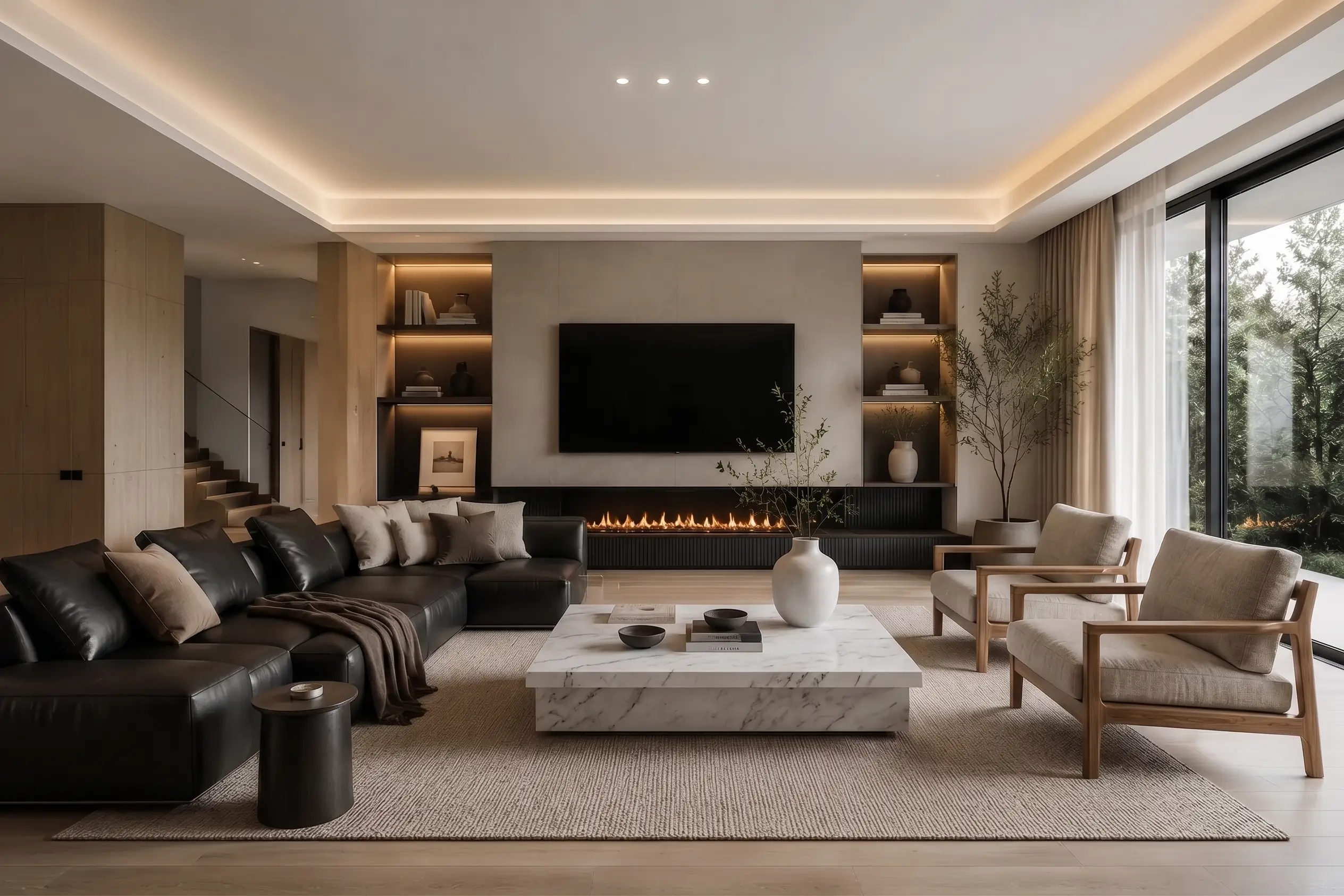
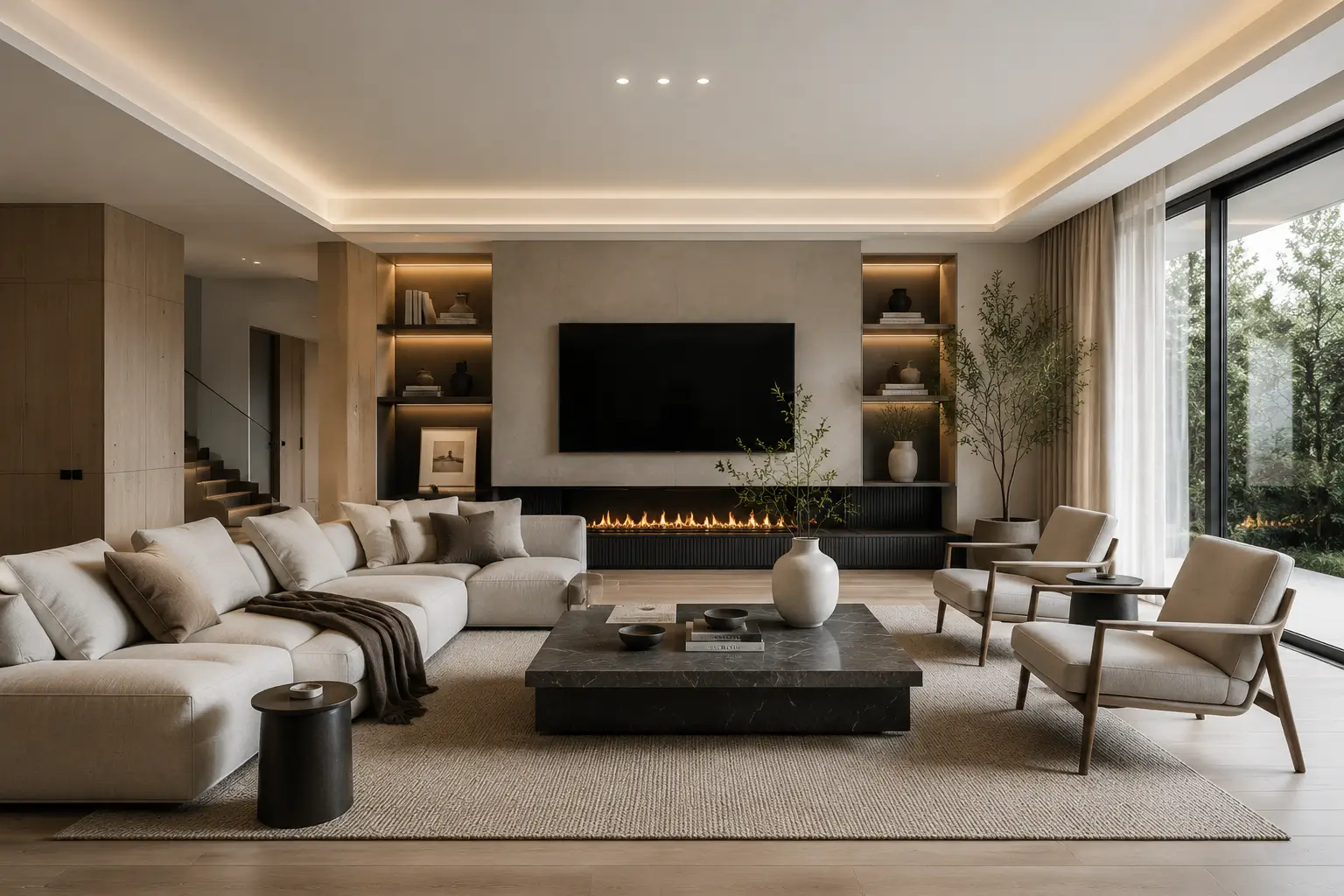
Edit the Areas You Choose, Not the Whole Room
Use the slider to compare a room photo before and after selected furniture changes. This is an example result; your output depends on the photo and instructions you provide.
How to Edit Multiple Objects in a Room Photo
01
Upload Your Room Photo
Choose a clear photo of the real room you want to edit.
02
Mark Up to Three Areas
Draw a box around each sofa, rug, lamp, artwork, or other area you want to change.
03
Describe Each Change and Generate Once
Give every selected area its own instruction or furniture reference, then generate all selected changes together.
What Can You Change in a Room Photo?
- Replace a sofa while keeping the surrounding floor and walls consistent.
- Try a different rug color, material, or style under the existing furniture.
- Add or replace wall art without redesigning the entire room.
Questions About Multiple-Item Room Editing
Can I change more than one item in the same room photo?
Yes. You can select up to three areas for one generation and give each area a separate instruction or furniture reference.
Will Deroom redesign the entire room?
Deroom applies local edits to the areas you select and aims to keep the rest of the room consistent. Results can vary with image quality, lighting, and the requested change.
What objects can I replace?
You can edit furniture and soft furnishings such as sofas, rugs, lamps, tables, curtains, cushions, and wall decor.
Do three selected areas cost three separate generations?
No. Deroom charges once for the generation, not once for every selected area included in that generation.
Try Multiple Changes on Your Own Room
Upload one room photo, mark the areas you want to change, and preview them together before you buy.